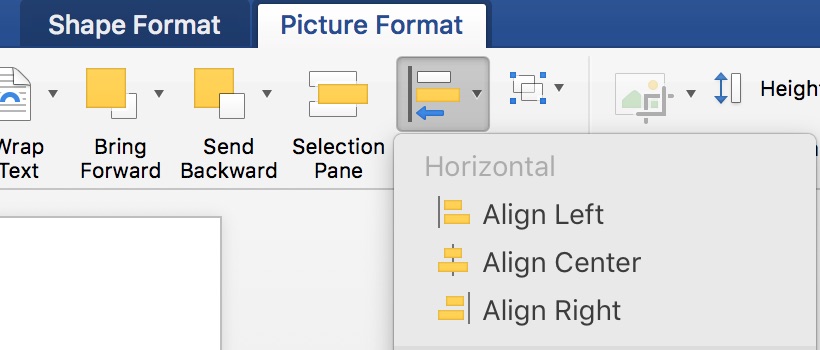
G’ah, Word! There’s a graphic here somewhere and I know it!! Today, in my How To column at Copyediting.com, I tell you
Category: software

Creating Hyperlinks
Some kind of standardization is creeping across the software. Creating a link on screen takes similar steps across Word, Google
Keep the Tracked Changes in Pasted Text
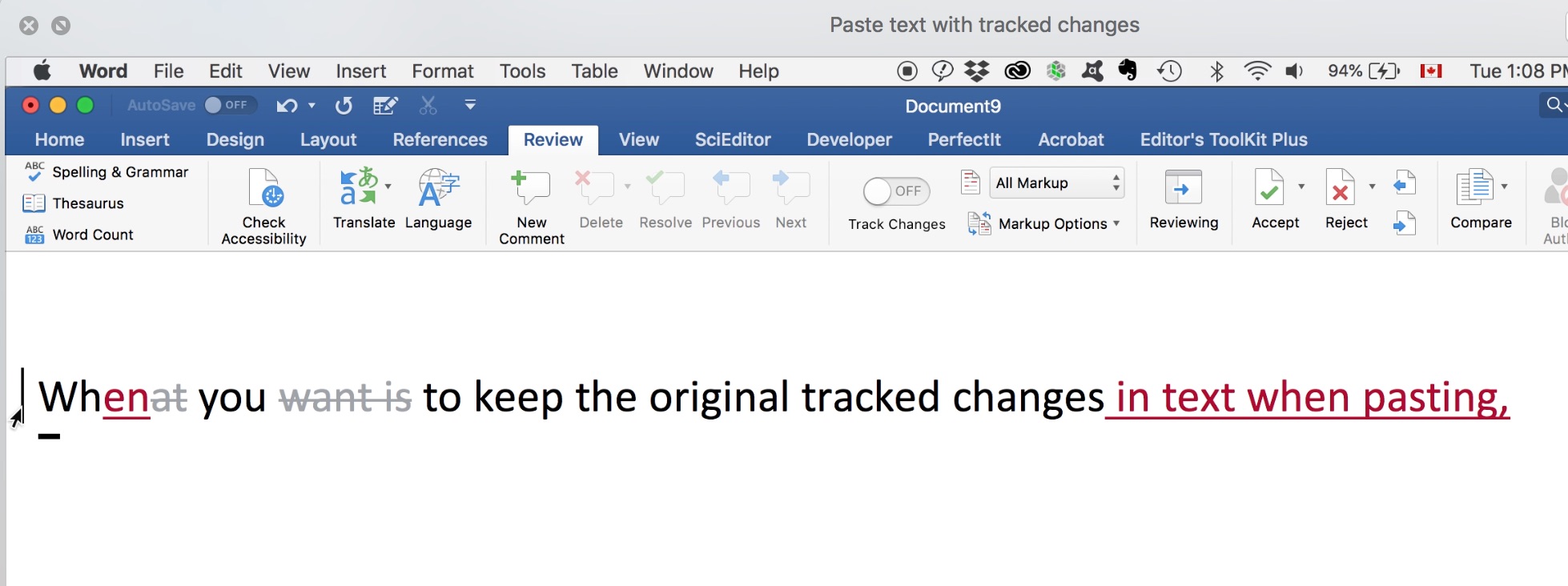
It’s easy to paste text with tracked changes in MS Word 365 (2016) for Mac or Windows. Watch the demo

Passing the Ball: Options for Editorial File-Sharing
I’ve got big FILES that I cannot send to my email they won’t append when a file comes in at
Silent Changes: When and Why to Make Them
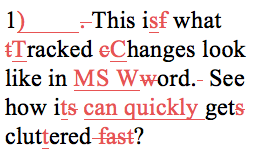
See the new post Word will track every change you make, but that can be extremely counter-productive for workflow as
Typing Special Characters
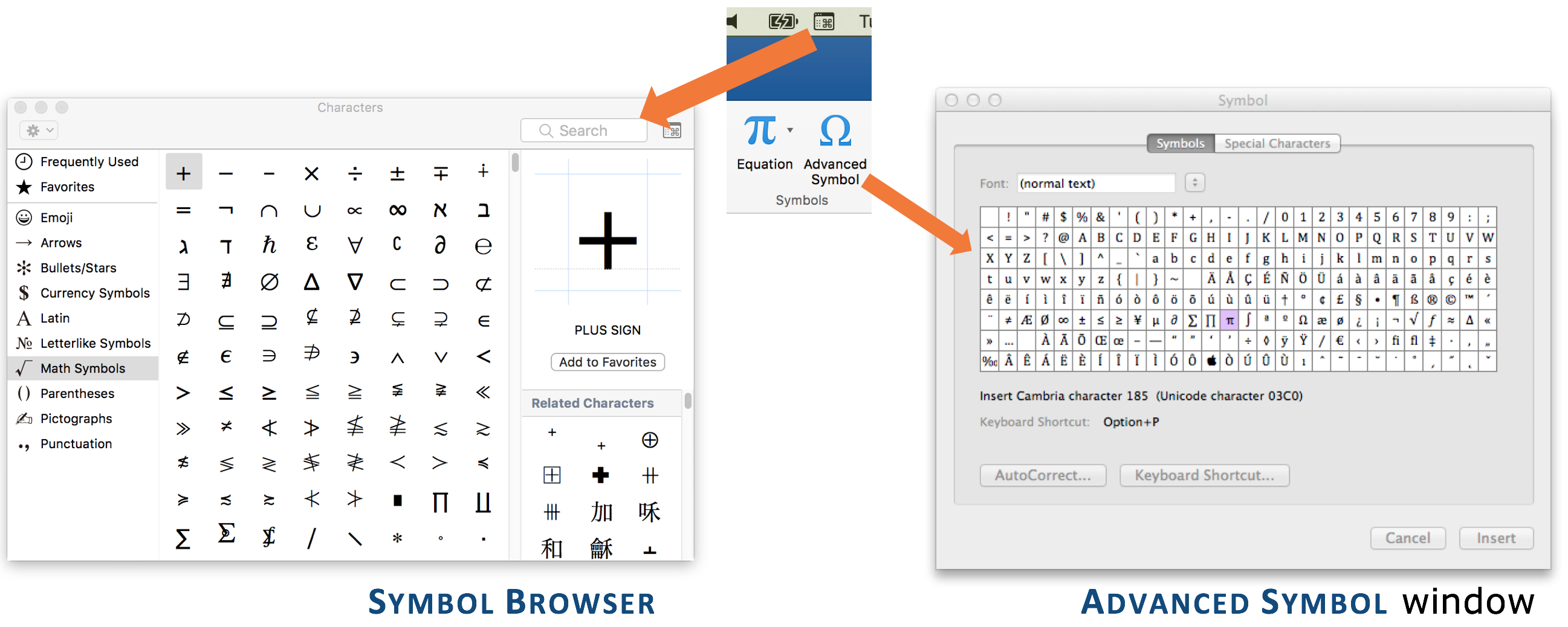
Beyond the letters of the alphabet and the numerals 0–9, there is a whole world of characters and symbols available
Make the Most of Spellcheck, Part 6
Grammar checking: troubled waters but big improvements for Word’s spellcheck. And now, with the introduction of “Editor” in Word 365
Make the Most of Spellcheck, Part 4
This time, we’re going to look at customizing the dictionaries used by spellcheck. In the previous posts, you learned about running
Make the Most of Spellcheck, Part 3
Customizing the dictionaries used by spellcheck helps editors get the most out of this automated support. Previous posts in this

Make the Most of Spellcheck, Part 2
You know Spellcheck, and in the previous post, you learned about language preferences and how to control them.Today, in my How