
Can’t figure out the writer’s intent? Thesaurus to the rescue! Today, in my How To column at Copyediting.com I show you the
Tag: productivity
Context Menus—Productivity Boosters
The context menu is a handy productivity and learning tool in any computer program. Find out more in my How To column at
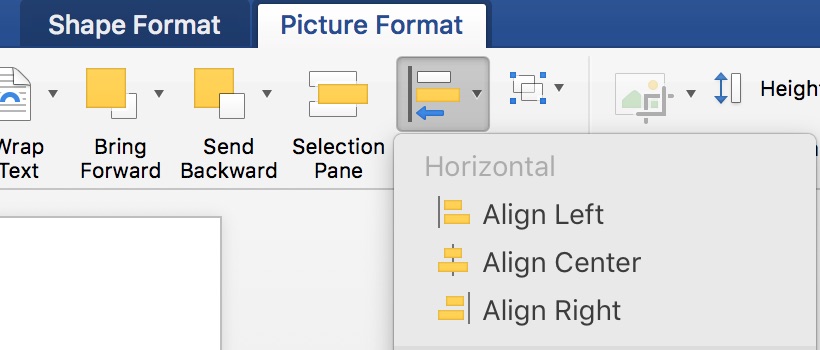
Finding Hidden Graphics in Word
G’ah, Word! There’s a graphic here somewhere and I know it!! Today, in my How To column at Copyediting.com, I tell you

Adjust PDF Markup Globally
In the free Acrobat Reader, changing the properties of a group of markup is a snap. Actually, this works in

How to Use the Windows Version of MS Word, for Mac Users
Are you facing a Windows computer with panic? Not to fear, the quick tutorial below will set you in the

How to Reply to Comments in Word
Comments, and how to reply to them in Word. Who doesn’t know this? Read, and see what you didn’t know.

List Custom Keyboard Shortcuts for Word Macros
You don’t have to remember all the custom keyboard shortcuts you made after the last post, print out a list
Create Keyboard Shortcuts for Word
It only takes 5 steps to create a custom keyboard shortcut for Word. Today’s post on Copyediting.com.

Make a Custom Tab on Word’s Ribbon
A custom Ribbon tab is a great productivity alternative to memorizing shortcuts for those who are more visually oriented. This

Little-Known Word Shortcuts
Word shortcuts you won’t want to live without. Today, in my How To column at Copyediting.com. Go to the last edit point