Grammar checking: troubled waters but big improvements for Word’s spellcheck. And now, with the introduction of “Editor” in Word 365
Category: tips
Make the Most of Spellcheck, Part 5
Trouble with spellcheck! This time, we look at what goes wrong and how to fix it. Previously, we’ve looked at
Make the Most of Spellcheck, Part 4
This time, we’re going to look at customizing the dictionaries used by spellcheck. In the previous posts, you learned about running
Make the Most of Spellcheck, Part 3
Customizing the dictionaries used by spellcheck helps editors get the most out of this automated support. Previous posts in this

Make the Most of Spellcheck, Part 2
You know Spellcheck, and in the previous post, you learned about language preferences and how to control them.Today, in my How
Make the Most of Spellcheck, Part 1
We take Spellcheck for granted, so maybe we don’t know all it can do for us. Today, in my How To column
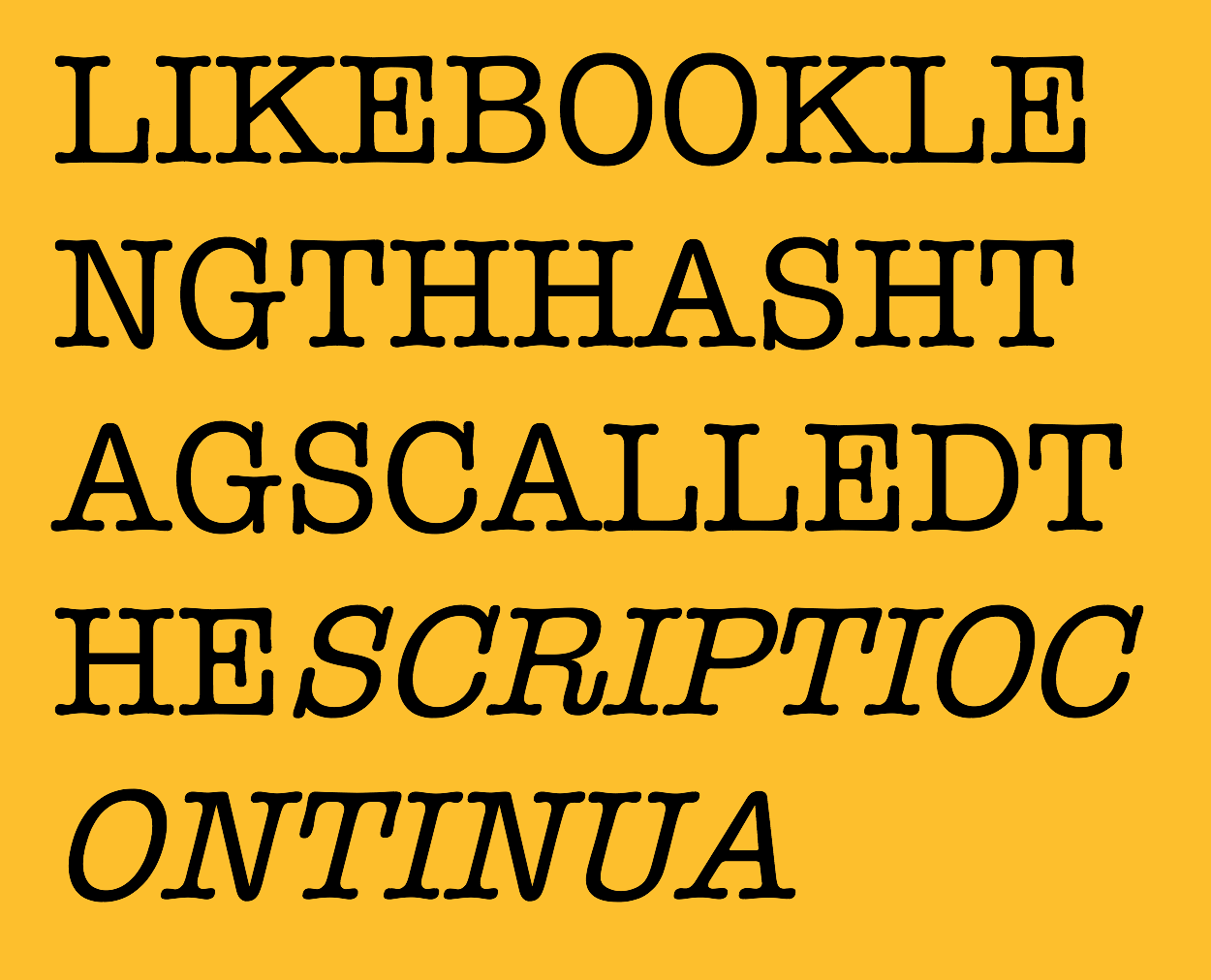
Using Character Spaces Effectively
In the beginning, there wasn’t even space. “Writing in ancient Greece was broken by neither marks nor spaces,” writes Keith

Create a Figures Log
Whether because the team is small or because the process is compressing, tracking figures can fall into the editor’s domain.

Make an Impact at Clients’ Conferences
Now that you know the value of attending clients’ conferences we work up ideas of how you can participate to
Why Attend Clients’ Conferences
What you can learn — and gain — by attending your clients’ conferences. Today, in my How To column at Copyediting.com. Next week