
Changing the background colour of your document can trick your brain into seeing the words in a whole new way.
Category: proofreading

Shortcut to Rotate Pages in a PDF
Those sideways PDF pages? Rotate in a click. Note that this rotates all pages in the PDF, and only temporarily.

How to Edit the VIP and Keep Your Job
How to edit the VIP and keep your job. (Tweet this) Tips for treading lightly, today in my How To column at

How to Find Out What a Character Is in Word
Need to get more than this from Word? Wondering what character that really is in your Word document? Has the writer
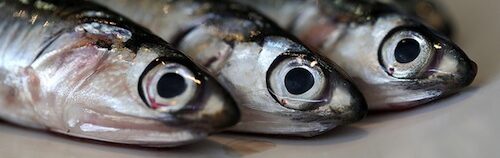
Checklist for Editing Captions
Captions are a weak link in the quality assurance chain, being something most people skim or skip while reviewing a

Stamps: Acrobat Tips for Proofreader’s Markup of PDFs
In my first post of the “marking up PDFs” series, I showed the many uses of stamps in Acrobat. Setting
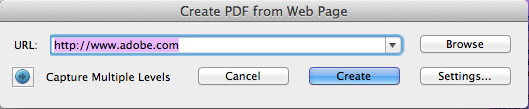
Mark up Title Corrections for Video Using PDF
Anything you can take a screen shot of can be marked up as a PDF. Here is a quick demo

5 Tips for Editing Your Own Work
Five brain hacks for tricking yourself into seeing text with fresh eyes are covered in this episode, an adaptation of
Simperial weights — converting units of measure in Canada
Though I’d much rather announce “I weigh 70 kg,” metric hasn’t entirely stuck in Canada. We use a simperial system that I’ve
Customize page numbers on a PDF using Adobe Acrobat 9, X, or XI
(There are new instructions on using Acrobat DC.) When your file doesn’t start on page 1, it is helpful to