
Need to get more than this from Word? Wondering what character that really is in your Word document? Has the writer
Category: how to
How to See and Insert Non-Printing Characters in Word
Reveal and insert non-printing characters to control and troubleshoot formatting in MS Word. Do you know what these symbols mean?
Checklist for Editing Captions
Captions are a weak link in the quality assurance chain, being something most people skim or skip while reviewing a

How to Insert Symbols in Word
Word probably converts your (C) to a © automatically, but what about the other symbols? Learn how to access them

Common snag with Adobe Reader for proofreading
By far the number one problem my students have with Adobe Reader is not realizing that a “light” version of

Stamps: Acrobat Tips for Proofreader’s Markup of PDFs
In my first post of the “marking up PDFs” series, I showed the many uses of stamps in Acrobat. Setting

Three alternatives to macros
Scared of macros? Here are three alternatives, today, in my How To column at Copyediting.com. You can learn more about them in

How to change font size in Word’s Reviewing Pane Sidebar
Tired eyes, tiny type? Bump up the font size in the Reviewing Pane to read Comments and tracked changes with
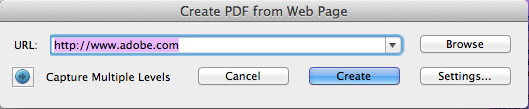
Mark up Title Corrections for Video Using PDF
Anything you can take a screen shot of can be marked up as a PDF. Here is a quick demo
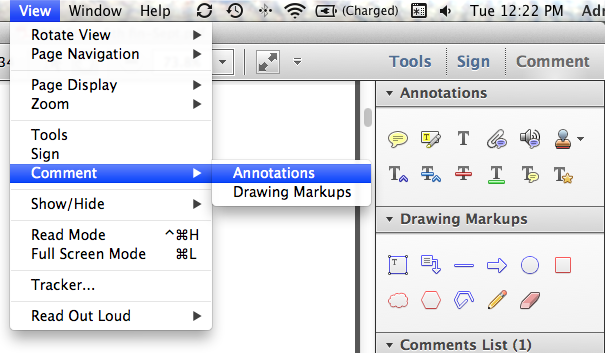
Intro to Advanced Acrobatics
This handout is from my presentation at the EAC 2014 conference. Get a printable PDF version here. Mark up any