
In my first post of the “marking up PDFs” series, I showed the many uses of stamps in Acrobat. Setting
Tag: how to

Three alternatives to macros
Scared of macros? Here are three alternatives, today, in my How To column at Copyediting.com. You can learn more about them in

How to change font size in Word’s Reviewing Pane Sidebar
Tired eyes, tiny type? Bump up the font size in the Reviewing Pane to read Comments and tracked changes with
Mark up Title Corrections for Video Using PDF
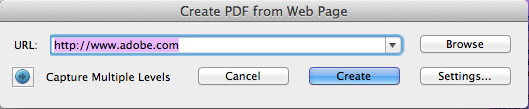
Anything you can take a screen shot of can be marked up as a PDF. Here is a quick demo
Multiple Monitors for Editing Efficiency
Why are multiple monitor screens more efficient? It might only take a few seconds to sort through the dozen
Intro to Advanced Acrobatics
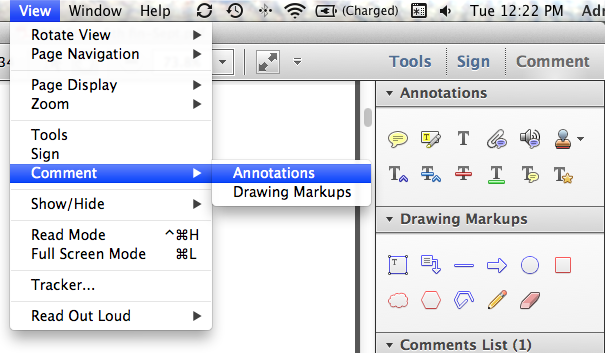
This handout is from my presentation at the EAC 2014 conference. Get a printable PDF version here. Mark up any

The argument for making changes silently, not tracking them
I espouse making routine copy editing changes silently; that is, without tracking them in Word. From editors, I hear a

10 Ways to Navigate a Word Document
Still scrolling through a long document using the arrow key? Flying right past what it is you are looking for,

How to column on Copyediting.com (keyboard shortcuts for selecting text)
Today I start writing another weekly column at Copyediting.com. It covers tech tips to make your editing more efficient, effective,

Get your manuscript ready for the editor and save money on editing costs
I have good news for you — two bits of it, even! You can save money by doing a bit